
Introduction
Blender (Dental add-ons) is a free, open-source 3D creation software that has been widely adopted in the dental industry for dental visualization and implant planning. In this article, we will provide an overview of Blender (Dental add-ons), its features, setup tips, and benefits for dental clinics.
With the increasing demand for digital dentistry, dental professionals are looking for reliable and cost-effective solutions for dental planning and visualization. Blender (Dental add-ons) is one such solution that offers a range of features and tools to cater to the needs of dental clinics.
Features of Blender (Dental add-ons)
Blender (Dental add-ons) offers a range of features that make it an ideal choice for dental visualization and implant planning. Some of the key features include:
- 3D Modeling: Blender (Dental add-ons) allows users to create detailed 3D models of teeth, gums, and bones.
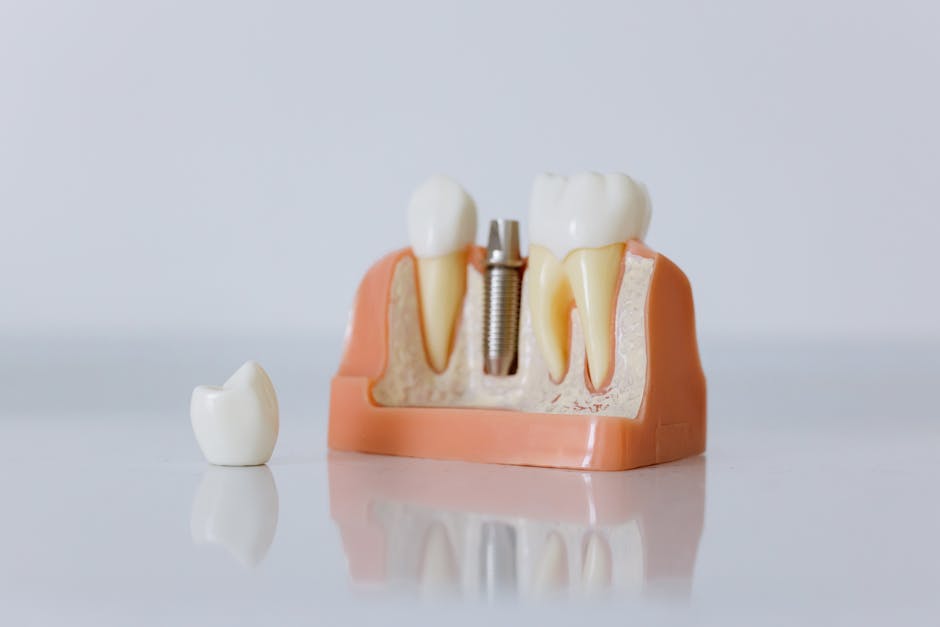
- Implant Planning: The software provides tools for planning and simulating dental implant placement.
- Dental Visualization: Blender (Dental add-ons) enables users to visualize dental structures in 3D, making it easier to diagnose and plan treatments.
- Customizable Templates: The software comes with customizable templates for implant planning, making it easier to create personalized treatment plans.
Setup Tips for Blender (Dental add-ons)
To get started with Blender (Dental add-ons), follow these setup tips:
- Download and install Blender (Dental add-ons) from the official website.
- Familiarize yourself with the user interface and tools.
- Watch tutorials and online courses to learn the basics of 3D modeling and implant planning.
- Practice creating 3D models and implant plans to improve your skills.
Benefits of Blender (Dental add-ons) for Dental Clinics
Blender (Dental add-ons) offers several benefits for dental clinics, including:
- Cost-Effective: Blender (Dental add-ons) is free and open-source, making it a cost-effective solution for dental clinics.
- Improved Accuracy: The software’s 3D modeling and implant planning tools enable more accurate diagnoses and treatment plans.
- Enhanced Patient Communication: Blender (Dental add-ons) allows clinicians to create detailed 3D models and animations to explain treatment plans to patients.
- Increased Efficiency: The software’s customizable templates and implant planning tools streamline the treatment planning process.
Comparison with FreeCAD (Dental Workbench)
FreeCAD (Dental Workbench) is another popular software used in the dental industry for dental planning and visualization. Here’s a comparison of Blender (Dental add-ons) and FreeCAD (Dental Workbench):
| Feature | Blender (Dental add-ons) | FreeCAD (Dental Workbench) |
|---|---|---|
| 3D Modeling | Yes | Yes |
| Implant Planning | Yes | Yes |
| Dental Visualization | Yes | Yes |
| Customizable Templates | Yes | No |
| Cost | Free | Free |
Implant Planning Templates Tutorial
Blender (Dental add-ons) comes with customizable templates for implant planning. Here’s a step-by-step tutorial on how to use these templates:
- Open Blender (Dental add-ons) and select the implant planning template.
- Customize the template to fit your patient’s specific needs.
- Use the software’s tools to plan and simulate implant placement.
- Save and export the treatment plan for future reference.
Troubleshooting: Why Blender (Dental add-ons) is Not Opening
If Blender (Dental add-ons) is not opening on your computer, try the following troubleshooting steps:
- Check that your computer meets the system requirements for Blender (Dental add-ons).
- Ensure that you have the latest version of Blender (Dental add-ons) installed.
- Try reinstalling the software if the issue persists.
Conclusion
Blender (Dental add-ons) is a powerful and cost-effective solution for dental visualization and implant planning. With its range of features, customizable templates, and user-friendly interface, it’s an ideal choice for dental clinics. Download Blender (Dental add-ons) today and start improving your dental planning and visualization workflow.
| Software | Blender (Dental add-ons) | FreeCAD (Dental Workbench) |
|---|---|---|
| Download Link | Download | Download |
| User Manual | Manual | Manual |
| Feature | Blender (Dental add-ons) | FreeCAD (Dental Workbench) |
|---|---|---|
| 3D Modeling | Yes | Yes |
| Implant Planning | Yes | Yes |
| Dental Visualization | Yes | Yes |
| Customizable Templates | Yes | No |
| Cost | Free | Free |


